A New Workspace for Building with WordPress
In WordPress Studio, a website starts as a conversation. You describe what you want, and an AI agent builds a first version for you. To change something, just tell the agent what you’d like instead. If you’ve used an agentic coding tool recently, the latest version of WordPress Studio will …
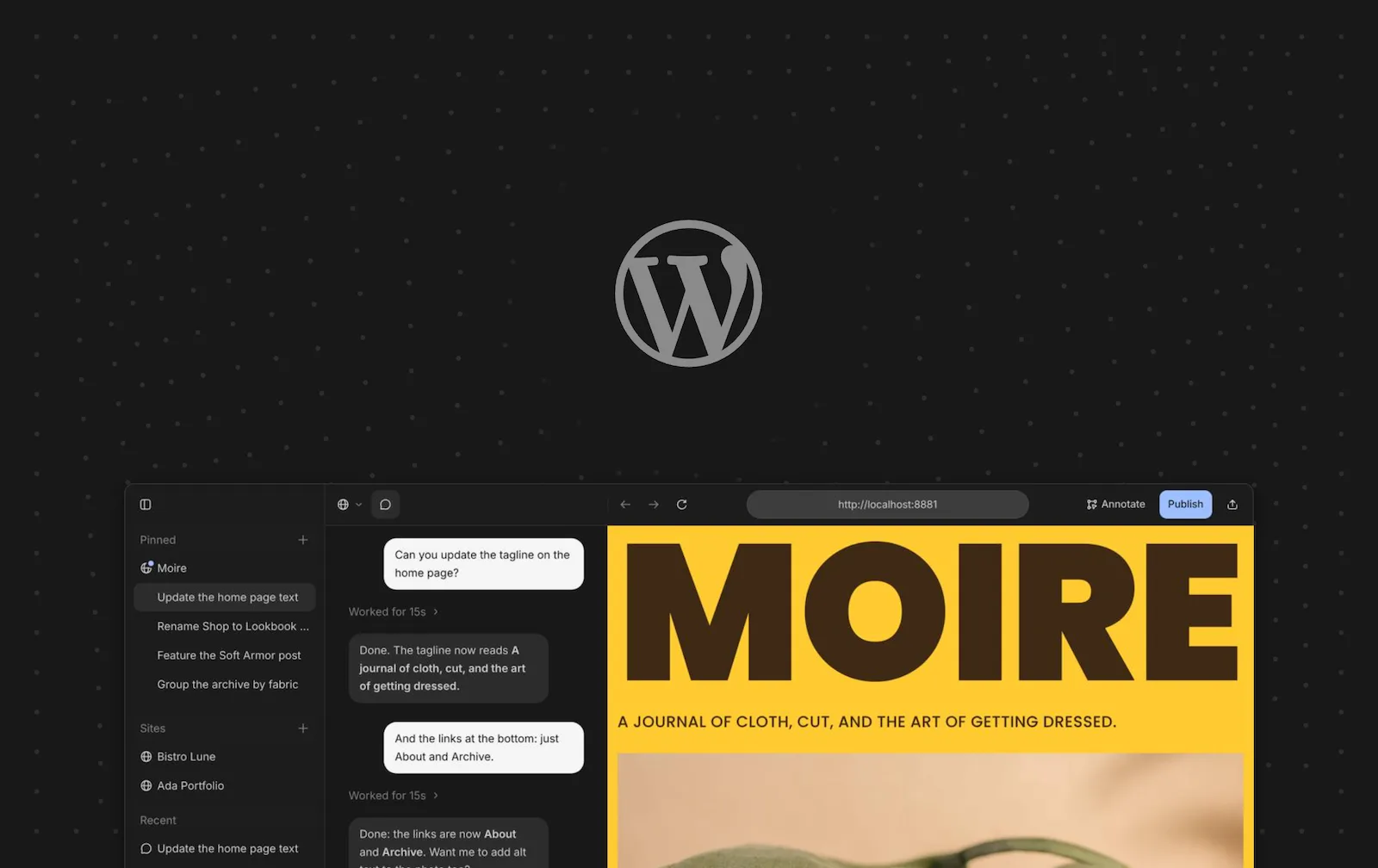
In WordPress Studio, a website starts as a conversation. You describe what you want, and an AI agent builds a first version for you. To change something, just tell the agent what you’d like instead.
If you’ve used an agentic coding tool recently, the latest version of WordPress Studio will feel familiar. You’ll find a chat next to a live preview of your site, a choice of models for each task, and the option to use your own API key or let WordPress.com handle it for you.
That’s WordPress Studio today: a free desktop app designed for modern workflows with support for macOS, Windows, and Linux.
Download WordPress StudioHow we got here
Back in August, the AI agent was added to WordPress Studio as a beta feature. It’s now at the center of the app, and what you told us during the beta period shaped how we rebuilt the workspace around it. Mostly, that meant making WordPress Studio simpler to navigate. Your sites and their chats live in one sidebar, site and app settings share a single Settings window, and the commands you used to hunt for are a keystroke away. WordPress Studio now feels less like a collection of features and more like one place to build your WordPress sites.
Prefer the terminal? The same agent is there too. Install the Studio CLI and run studio code to chat with it, or studio ui to open the full workspace in your browser.