Your WP Safer account: passwords, sessions and support access
How passwords are stored, what happens after failed sign-ins, how long a session lasts, why two-factor authentication is not available yet, and the rules around the view-as-customer mode support uses.
Your WP Safer account is the single door to every site you have connected, so it is worth knowing exactly how it is protected — and what WP Safer support can and cannot see behind it.
Passwords
Account passwords are stored irreversibly. The password is first run through a keyed hash and then through bcrypt; what is kept in the database cannot be turned back into your password, by us or by anyone who obtains the database. Nobody at WP Safer can read your password, and support will never ask for it.
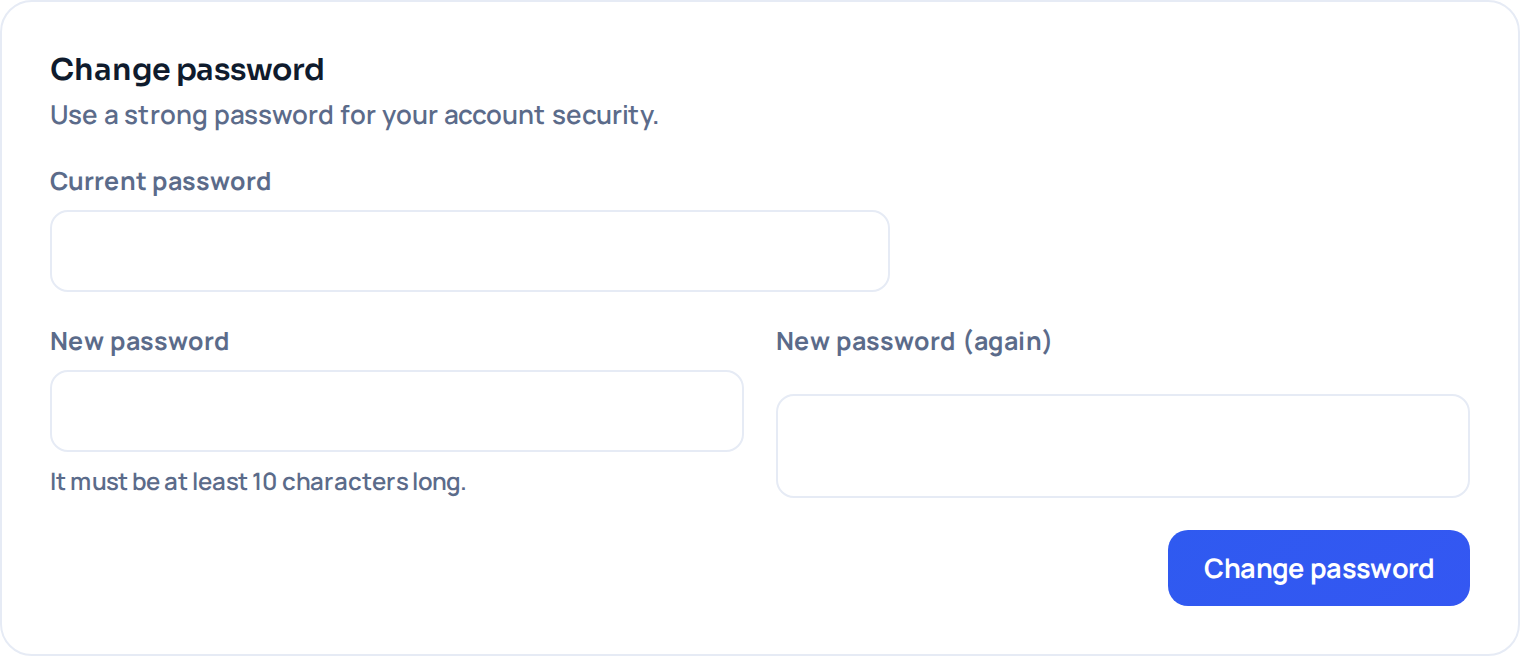
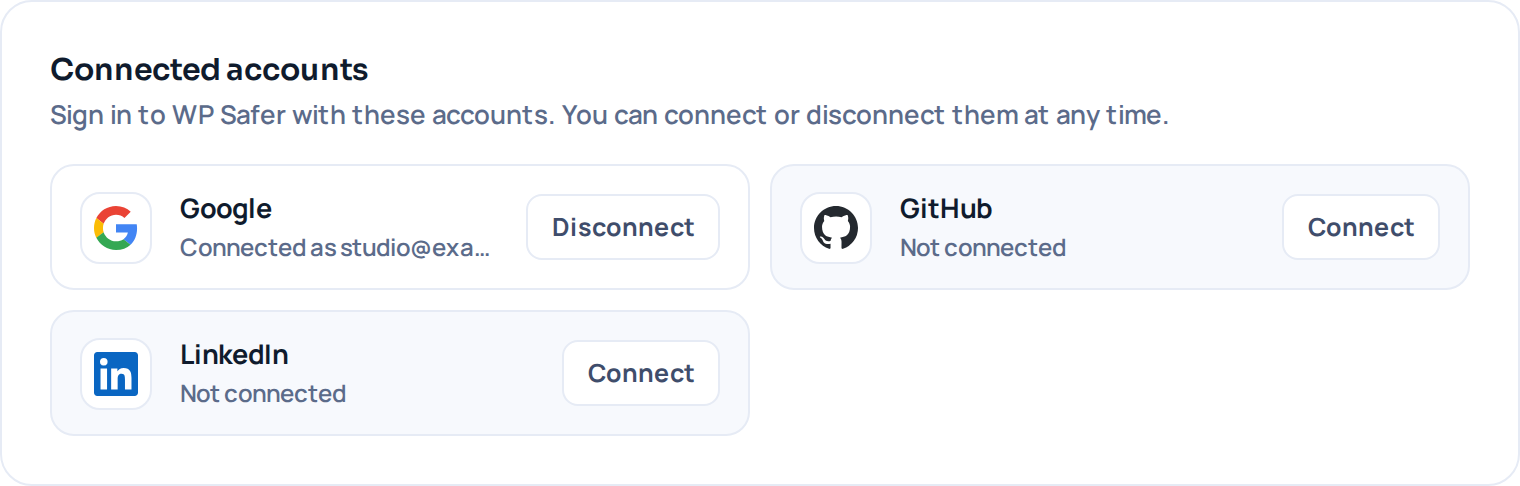
If you signed up with Google, GitHub or LinkedIn, your account has no password at all until you set one. In that case we receive your name and email address from the provider — nothing else, and no access to anything else you keep there.
Sign-in attempts
- Five wrong passwords for the same account within 15 minutes lock that account for 15 minutes. The lock is on the account, so it protects you even when the attempts come from many addresses.
- Twenty failed attempts from the same IP address within 15 minutes block that address, whichever accounts were targeted.
- The sign-in, registration and password-reset forms are protected by reCAPTCHA, which is what stops scripted attempts before they reach the lock-out at all.
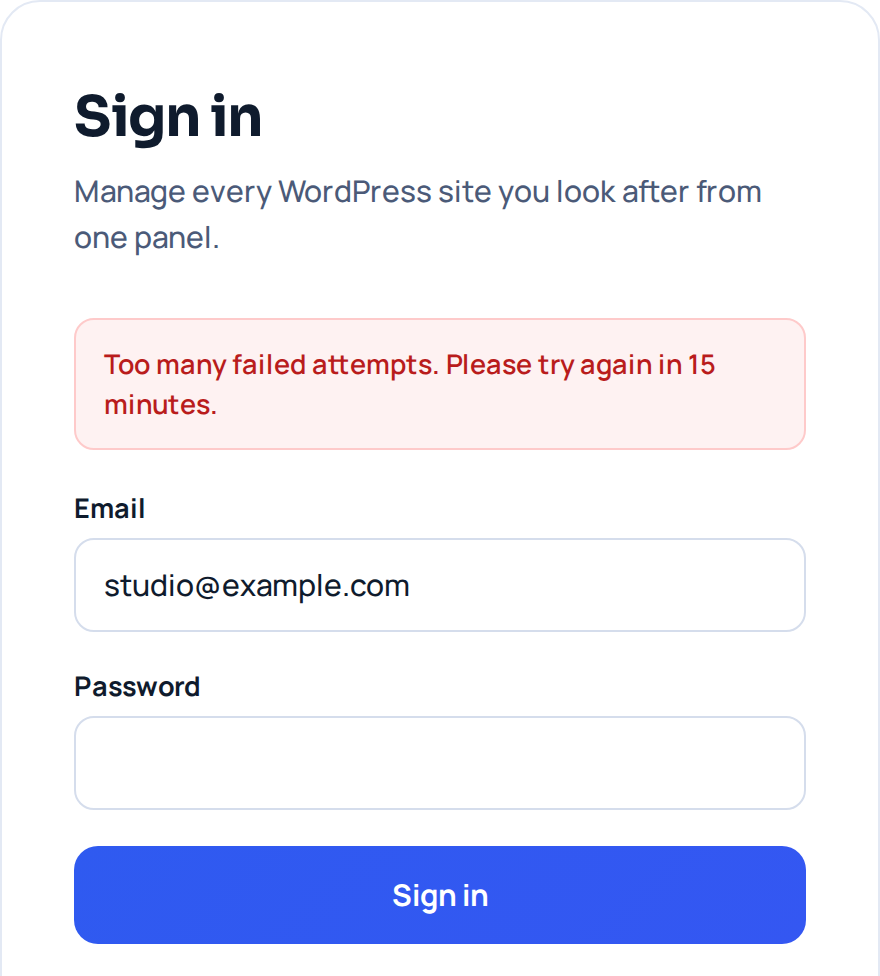
A locked account unlocks itself when the 15 minutes are up; there is nothing to reset and no need to contact support.
Password reset links
A reset link is valid for one hour and can be used once. Using it invalidates it, and requesting a new link invalidates the previous one. If a reset email arrives that you did not ask for, the safe response is to ignore it: an unused link expires on its own, and the request itself does not change anything on your account.
Sessions and cookies
After you sign in, your browser holds a signed session token that is valid for 24 hours. The cookie carrying it is marked Secure (only sent over HTTPS), HttpOnly (not readable by JavaScript) and SameSite=Lax. Signing out ends the session immediately.
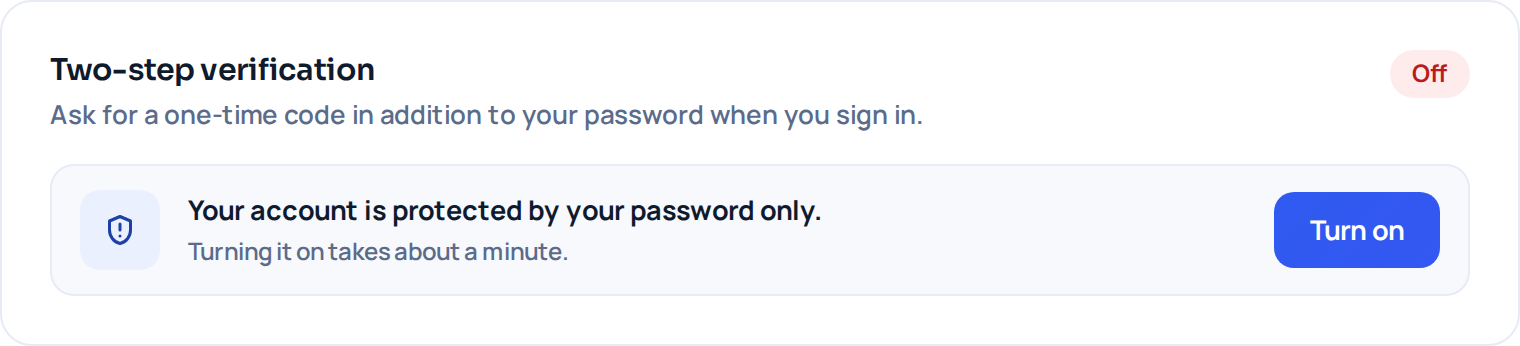
Two-step verification is available, and from 2 October 2026 it is required on every account. You can use an authenticator app, a code emailed to you, or a passkey; whichever you pick, WP Safer also gives you recovery codes to store somewhere safe. A browser you mark as trusted is not asked for the second step again for 30 days.
What WP Safer support can see
Support staff can open your account in a view-as-customer mode — used to reproduce a screen you are reporting a problem on, instead of asking you for your password or resetting it. It works under fixed rules:
- It uses the ordinary sign-in path; there is no separate back door into accounts.
- Both the start and the end of every such session are recorded in our administrator action log, with who did it and for which account.
- A banner is shown on every screen for the whole session, so the person doing it cannot forget whose account they are looking at.
- Administrator accounts cannot be opened this way, so the mode cannot be used to climb to more access.

Separately from that mode, the data your account holds — your site list, plugin and theme inventory, backup names and sizes, uptime history — is on our servers and reachable by the people who operate the service. Backup archives are covered in Where your backups are stored: each download, including one made from an administrator account, is logged.
Good practice for agencies
- Use an address you control for the account, not a client’s inbox — password resets and billing go there.
- Remember that the site key gives administrator-level access to a connected site. When a client relationship ends, remove the site in the panel and change the key on the site itself (see How WP Safer reaches your site).
- Keep the WP Safer plugin updated on connected sites; it is the component that enforces the request checks described there.