Desktop Mode Is Now OpenStation: Your Whole WordPress Site in One Tab
Desktop Mode is now OpenStation, a free plugin from Automattic for working in WP Admin with windows. Keep your draft, media, and comments open side by side in one tab.
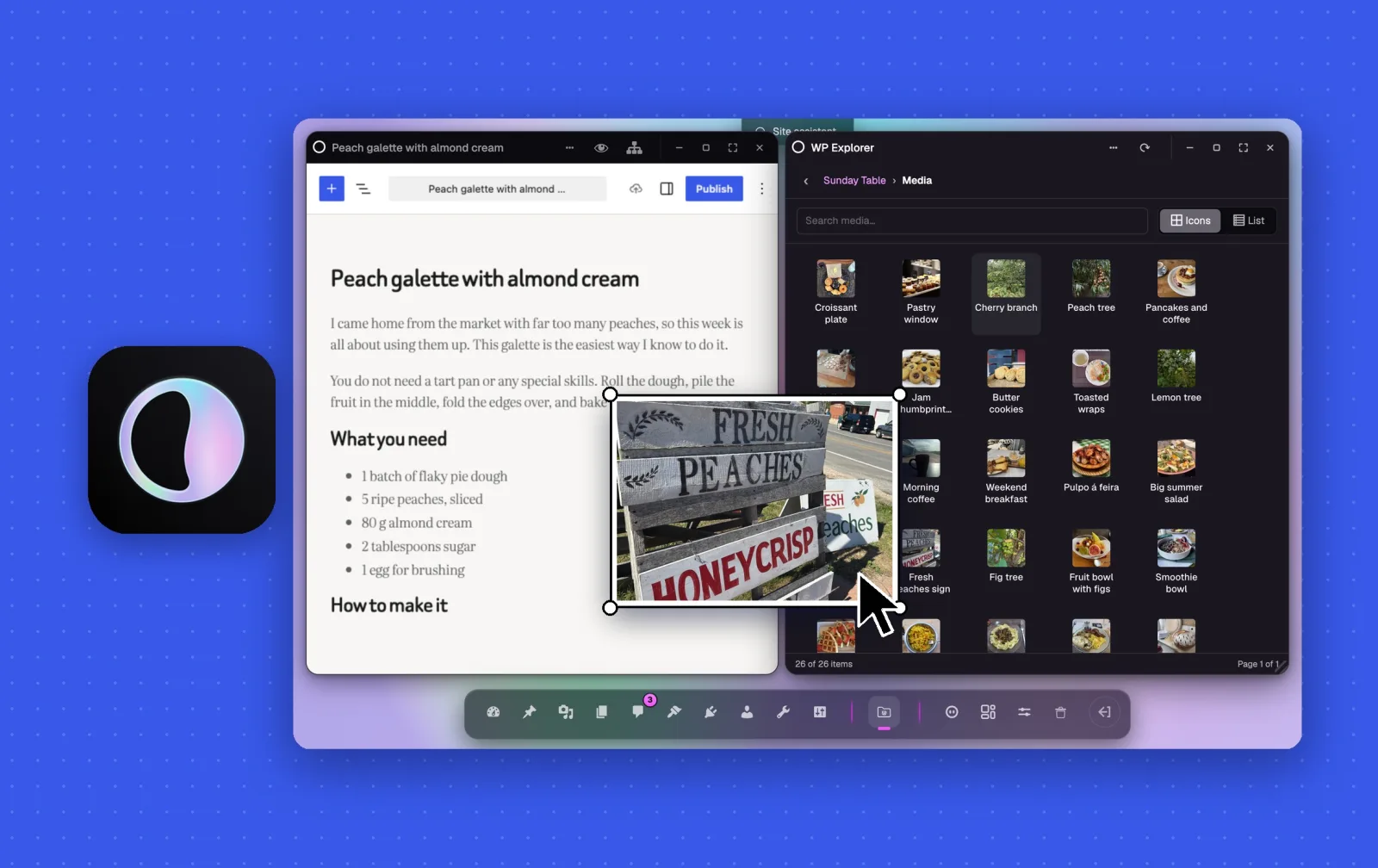
Imagine that you’re writing a new post when a reader asks a question about something you published yesterday.
In WP Admin, answering it means leaving the editor, and when you come back, you need to wait for the draft to load again.
With OpenStation, you can keep both open, side by side, in the same browser tab. The same goes for your media, your pages, and any other WP Admin screen.
It’s the same plugin that we introduced in June as Desktop Mode, now called OpenStation. Since then, we’ve redesigned the workspace, made it faster, and begun bringing the experience to phones.
Try OpenStationYour WP Admin screens, side by side
Open a post, then open your media next to it. When you find the photo you want, drag it into the post.
The media picker in the editor works well for a single image. For a recipe with a photo for every step, keep your library open beside the draft instead of opening the picker again and again.